
Lefty Cursor
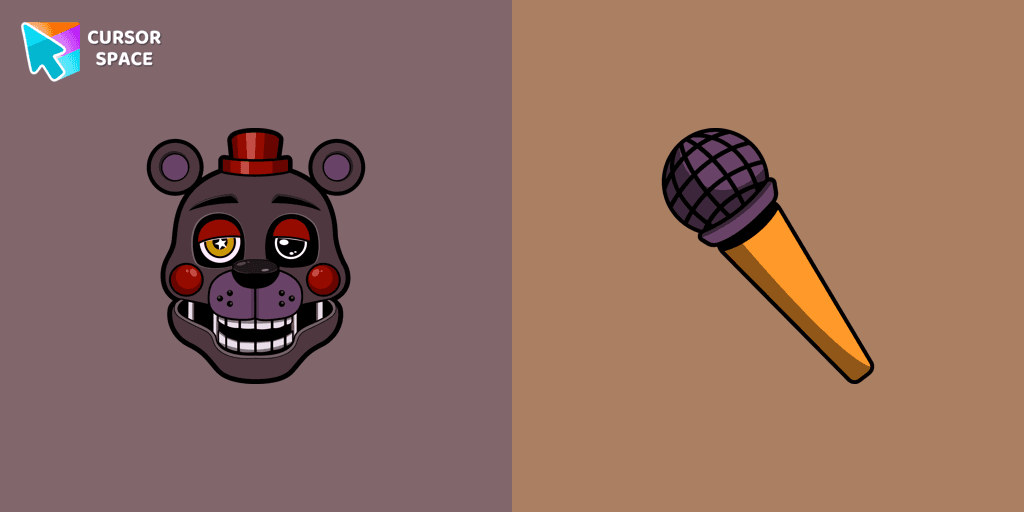
Cursors in the pack
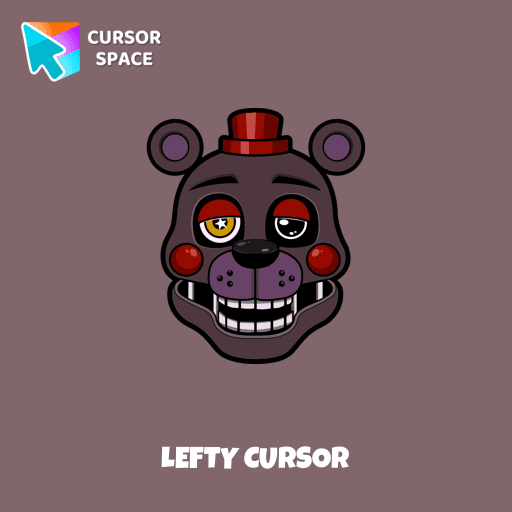
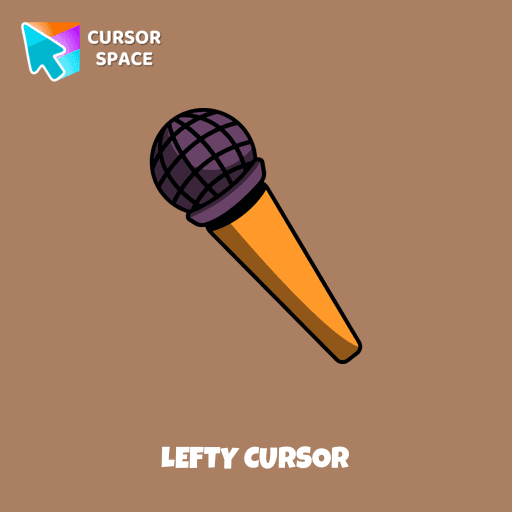
Description
What's included in the package
- Default Cursor
- Pointer (Hand)
How to install a custom cursor pack Lefty Cursor
Install the Cursor Space extension for Chrome or Cursor Space for Edge in your browser.
On this page, click "Add this cursor pack to the extension".
Open the extension and go to the Packs tab.
Find the custom cursor pack "Lefty cursor" and click it.
Enjoy!
Ready to install?
Get this cursor pack and thousands of others by installing our extension. It's fast and free!
About this cursor pack
Lefty Cursor is a themed cursor pack you can add to your browser to personalize your pointer across common cursor states (default and pointer). Use it for everyday browsing, streaming, studying, or gaming-anywhere you want your cursor to match your vibe.
Instant preview
See how the cursors look before installing.
Easy install
Add the pack to the extension in a few clicks.
Works in your browser
Designed for Chrome and Edge via the extension.
FAQ
Quick answers to common questions about cursor packs, collections, and installation.
Do I need an extension?
Which browsers are supported?
How do I switch back to the default cursor?
Popular cursors today
Custom cursor and packs - neon, anime, pixel art. Quickly add to Chrome and Microsoft Edge for free
- TOP 1

Orange gradient cursor
(2.0k)FreeUpgrade your browsing with the Vibrant Orange Gradient Cursor. This custom cursor offers a seamless orange gradient, merging style with functionality
- TOP 2

Kazuha cursor
(66)FreeGenshin Impact for Chrome cursor set has a custom cursor Kazuha as a pointing device.
- TOP 3

Pink cursor
(73)FreeEnhance your screen with a chic pink custom cursor from Custom Cursor Space! Transform every click into a vibrant, fun, and uniquely fabulous experience.

Instagram cursor
(229)FreeEnhance your browsing with the Instagram custom cursor for Google Chrome. Sleek and stylish, it’s perfect for Instagram fans looking to personalize their cursor.

Cagney Carnation cursor
(79)FreeExperience the Cuphead custom cursor for Google Chrome with Cagney Carnation. Watch as this cute flower transforms, revealing its true personality in style.
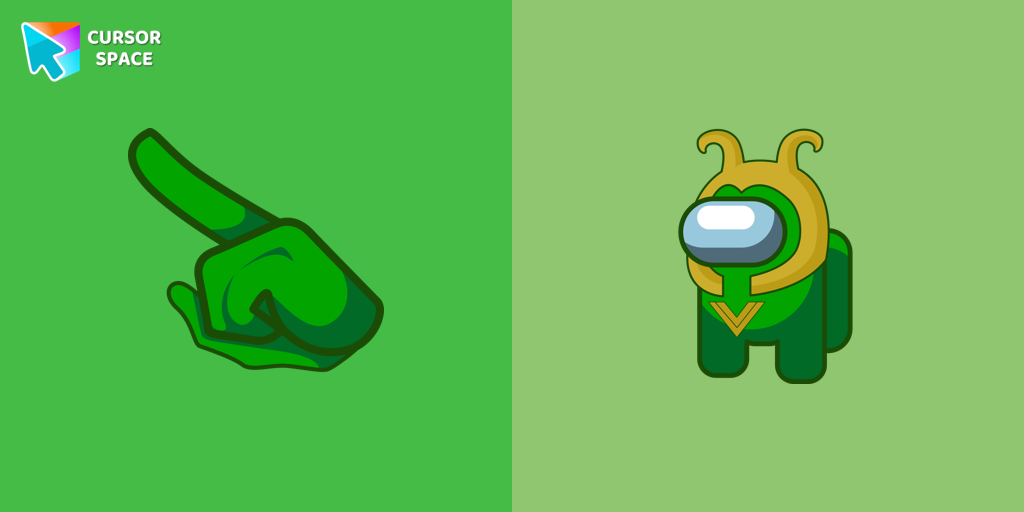
Among Us Loki Character cursor
(81)FreeRule with Mischief: The Among Us Loki Character Cursor
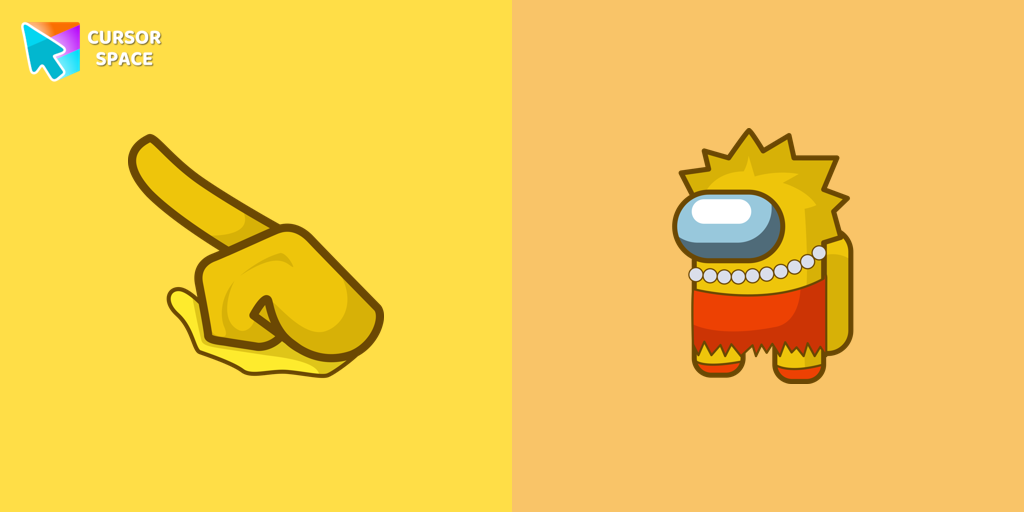
Among Us Lisa Simpson Character cursor
(74)FreeAmong Us Lisa Simpson Character Cursor - Navigating the Game with Intelligence and Wit
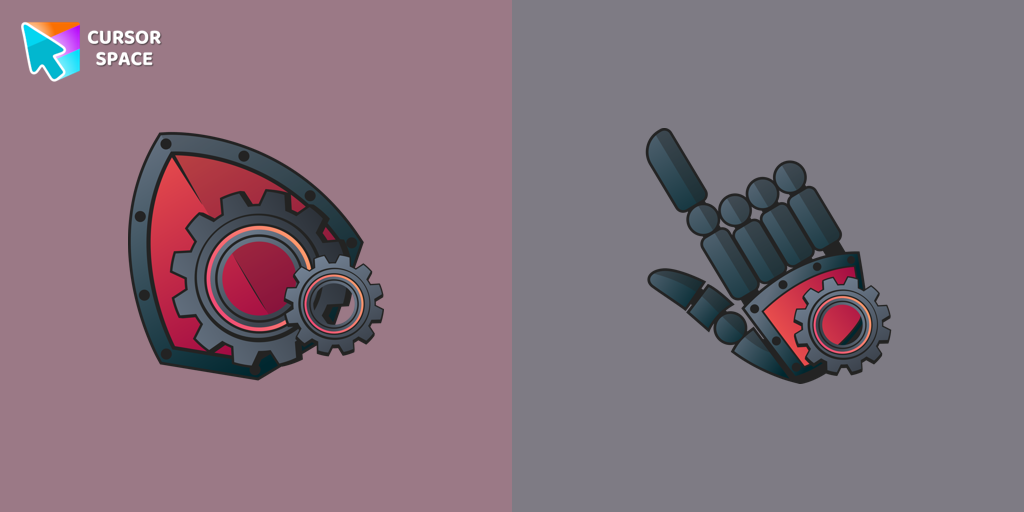
Mechanical cursor
(272)FreeUpgrade your desktop with the Mechanical custom cursor, a sleek blend of technology and elegance for a futuristic browsing experience.

Sucrose cursor
(58)FreeCollect all cursors from the Genshin Impact cursors collection for Chrome.
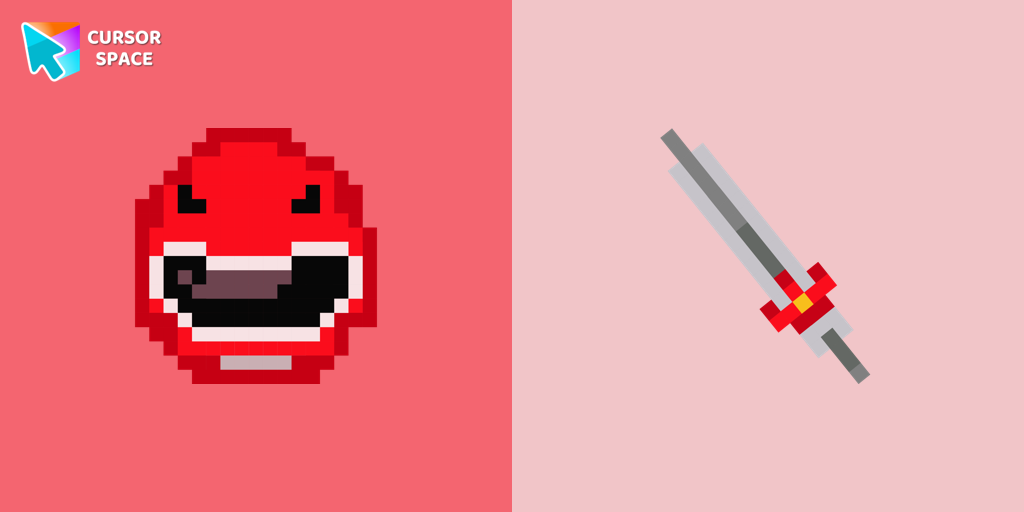
Red Power Ranger Pixel cursor
(69)FreeRed Power Ranger Pixel cursor for mouse and custom hover pointer with character's weapon in Cute Pixel collection of custom cursors.
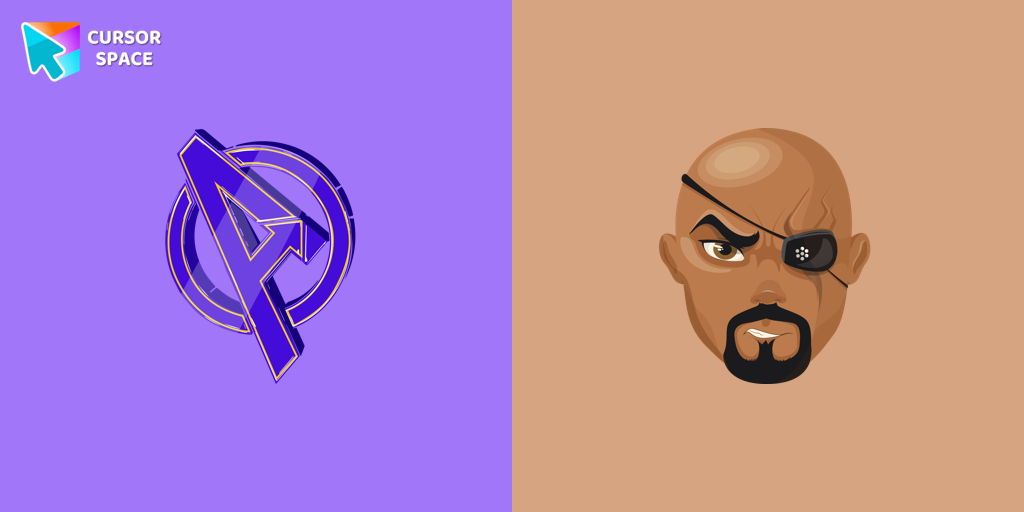
Nick Fury cursor
(170)FreeTransform your browsing with the Nick Fury custom cursor. Bring the power of the legendary S.H.I.E.L.D. director to your screen with this unique custom cursor for Google Chrome.
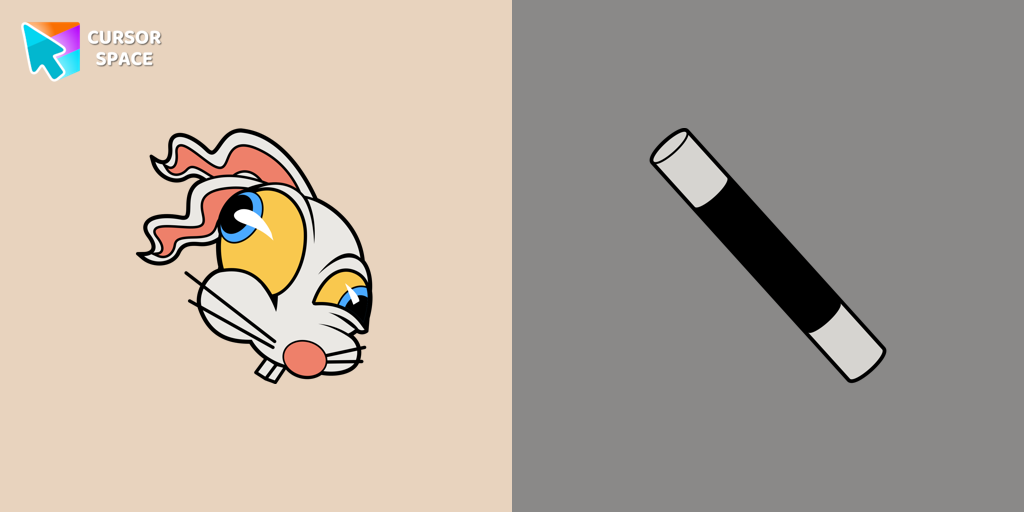
Hopus Pocus cursor
(76)FreeAdd fun to your browsing with the Hopus Pocus custom cursor. This custom cursor for Google Chrome adds a playful bunny animation to your mouse, brightening your screen.
Install Cursor Space - A Collection of Custom Cursors for Chrome & Edge
Add packs instantly and unlock access to thousands of cursors: neon, anime, pixel-art, and more. Fast, safe, and free.
- Free cursor packs
- HD/HiDPI & animated icons
- Quick browser installation
Cursor Space is an extension for changing your mouse cursor in Chrome and Edge browsers: themed collections, HiDPI icons, neon, animated, and pixel cursors, with quick installation.