
All Cursor Packs
Browse our full collection of custom cursors. Find your next favorite style and install it for free.
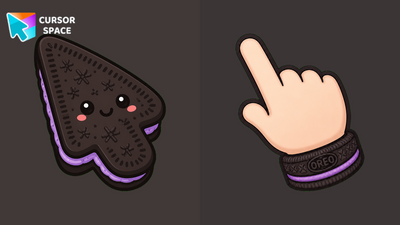 Oreo Lavender CursorsOreo Lavender Cursors on Cursor Space - lavender cream cookie arrow and custom pointer hand.
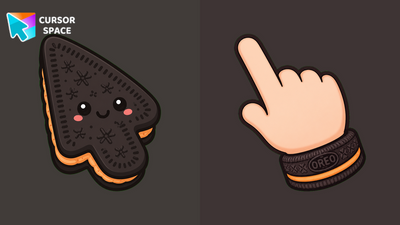 Oreo Peach CursorsOreo Peach Cursors on Cursor Space - soft peach cream cookie arrow and custom pointer for Chrome.
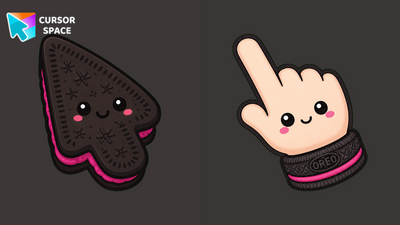 Oreo Berry CursorsOreo Berry Cursors on Cursor Space - berry-magenta cream cookie arrow and custom pointer hand.
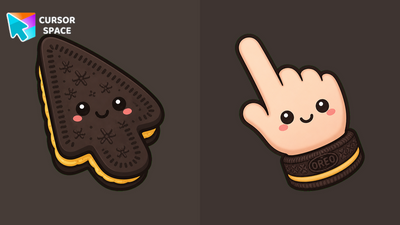 Oreo Gold CursorsOreo Gold Cursors on Cursor Space - golden cream cookie arrow and custom pointer for Chrome.
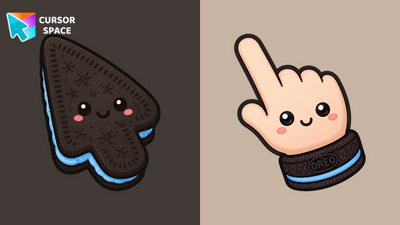 Oreo Sky CursorsOreo Sky Cursors on Cursor Space - sky-blue cream cookie arrow and custom pointer hand for Edge.
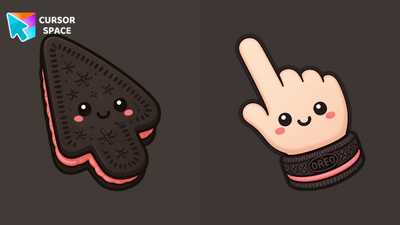 Oreo Coral CursorsOreo Coral Cursors on Cursor Space - salmon-pink cream cookie arrow and custom pointer for Chrome.
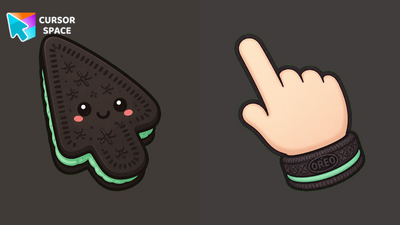 Oreo Mint CursorsOreo Mint Cursors on Cursor Space - cute mint-cream cookie arrow and custom pointer hand for Chrome.
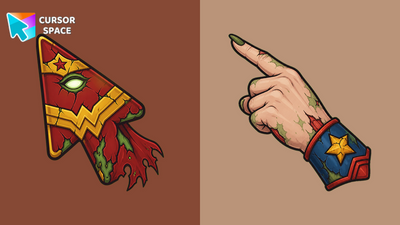 Zombie Wonder Woman CursorZombie Wonder Woman Cursor on Cursor Space - undead tiara arrow and custom pointer hand for Chrome and Edge.
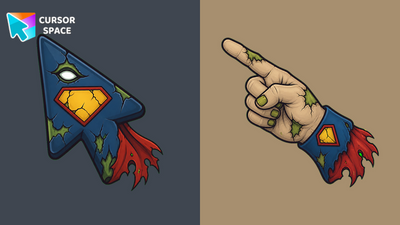 Zombie Superman CursorZombie Superman Cursor - a decaying caped hero arrow and a cracked-emblem pointing hand for Chrome and Edge.
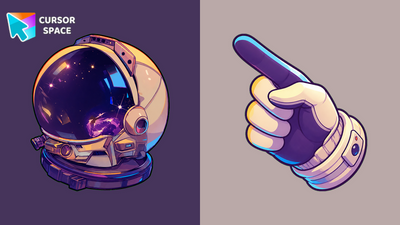 Neon Astronaut Glove CursorNeon Astronaut Glove Cursor - color-shifting space glove arrow with a starry astronaut helmet pointer for Chrome and Edge.
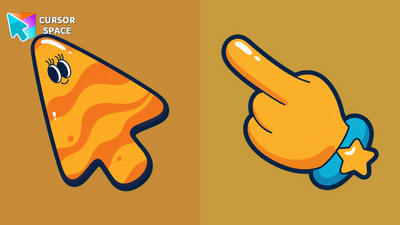 Cosmic Rubberhose CursorCosmic Rubberhose Cursor - an orange planet arrow and a yellow star cuff pointing hand for Chrome and Edge.
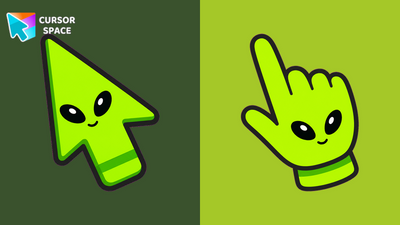 Neon Alien CursorNeon Alien Cursor - a lime-green alien arrow and a matching alien-face pointing hand for Chrome and Edge.
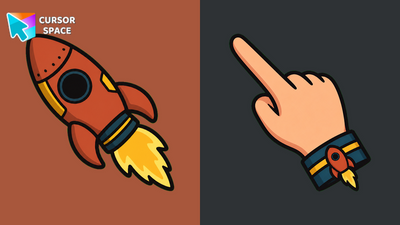 Retro Rocket CursorRetro Rocket Cursor - a burnt-orange retro rocket arrow and a yellow-flame cuff pointing hand for Chrome and Edge.
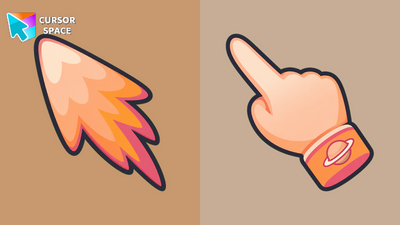 Peach Comet CursorPeach Comet Cursor - a peach-pink comet arrow and a ringed-planet pointing hand for Chrome and Edge.
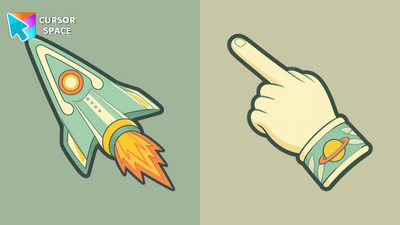 Stardust Voyager CursorStardust Voyager Cursor - mint retro rocket arrow and a ringed-planet pointing hand for Chrome and Edge.
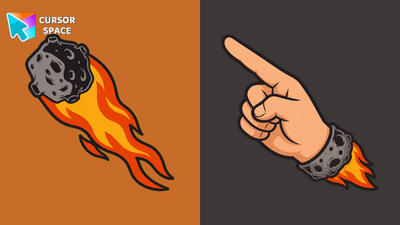 Flaming Meteor CursorFlaming Meteor Cursor - a blazing meteor arrow and a rocky flame-cuff pointing hand for Chrome and Edge.
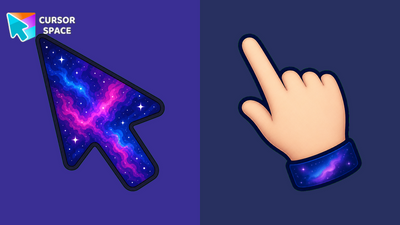 Galaxy Nebula CursorGalaxy Nebula Cursor - deep-space nebula arrow and a starry pointing hand for Chrome and Edge.
 Polygon Constellation CursorPolygon Constellation Cursor - a teal low-poly arrow and a facet cuff pointing hand for Chrome and Edge.
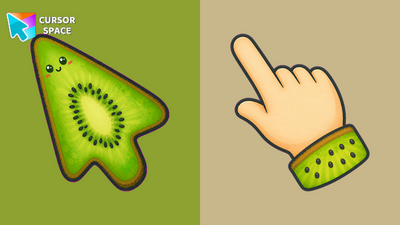 Kiwi Tropical CursorKiwi Tropical Cursor - a green kiwi slice arrow and a fuzzy pointing hand for Chrome and Edge.
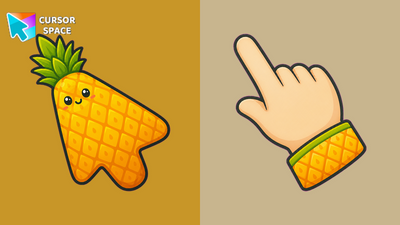 Pineapple Tropical CursorPineapple Tropical Cursor - a spiky golden pineapple arrow and a tropical pointing hand for Chrome and Edge.
Explore cursor packs by style
Cursor Space packs include curated cursor sets for everyday browsing: cute, minimal, anime, neon, pixel art, and more. Each pack comes with multiple cursor states (like default and pointer) and can be added to your browser in seconds.
Trending now
Fresh picks based on what people install most often.
Collections
Browse themed sets grouped by vibe and aesthetic.
Top charts
See weekly, monthly, and all-time leaders.
How to install a cursor pack
- Open any pack from the grid above.
- Click the install / add button on the pack page.
- If you don’t have it yet, install the Cursor Space browser extension.
- Apply the pack in the extension and enjoy your new cursor.
FAQ
Quick answers to common questions about cursor packs, collections, and installation.
Are cursor packs free on Cursor Space?
Most cursor packs on Cursor Space are free to browse and install. Some packs may be marked premium depending on licensing. The Cursor Space browser extension is free to install from the Chrome Web Store.
Do cursor packs work on Chrome and Edge?
Yes. Install the Cursor Space extension for Chromium-based browsers (Chrome, Edge, Brave), open a pack page, and click install/apply. The extension applies the cursor set across your browser.
How do I install a custom cursor pack?
Open the pack page, click the install or add button, install the Cursor Space extension if prompted, then apply the pack from the extension popup. Your new cursor appears immediately.
Can I change or remove a custom cursor later?
Yes. Open the Cursor Space extension, choose another pack, or restore the default system cursor from the extension settings.
Is the Cursor Space extension safe?
Cursor Space is distributed via the Chrome Web Store and Edge Add-ons. Keep the extension updated, and only install packs from trusted catalog pages on this site.